
For iPhone and iPad apps that need a consistent native camera and creator experience.
Natural portrait enhancement
Make people in camera and content products look more natural, stable, and polished
Built for live streaming, short video, camera, and image-processing scenarios. UyaliBeautySDK covers natural beauty, detailed face reshape, body refinement, and makeup expression so real user scenes can look complete, comfortable, and aligned with your target audience.
Built for real product scenariosBeauty / Face reshape / Body / MakeupLive / Short video / Camera / Image processingiOS / Android / HarmonyOS
Generating preview
Web DemoAdjust beauty effects in real time
Beauty effect preview
Start with 4 combined looks to see the overall portrait direction
Each preset combines makeup, beauty, and face reshape so you can judge the visual direction faster than checking isolated parameters.
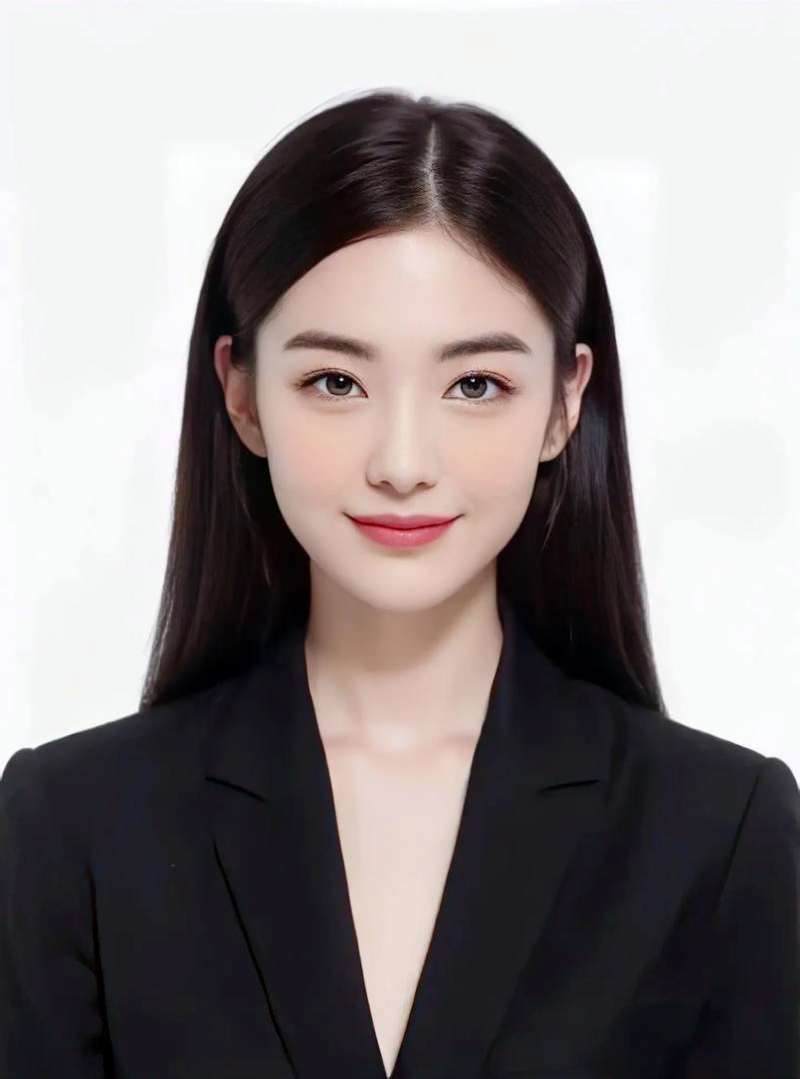 Combined effect
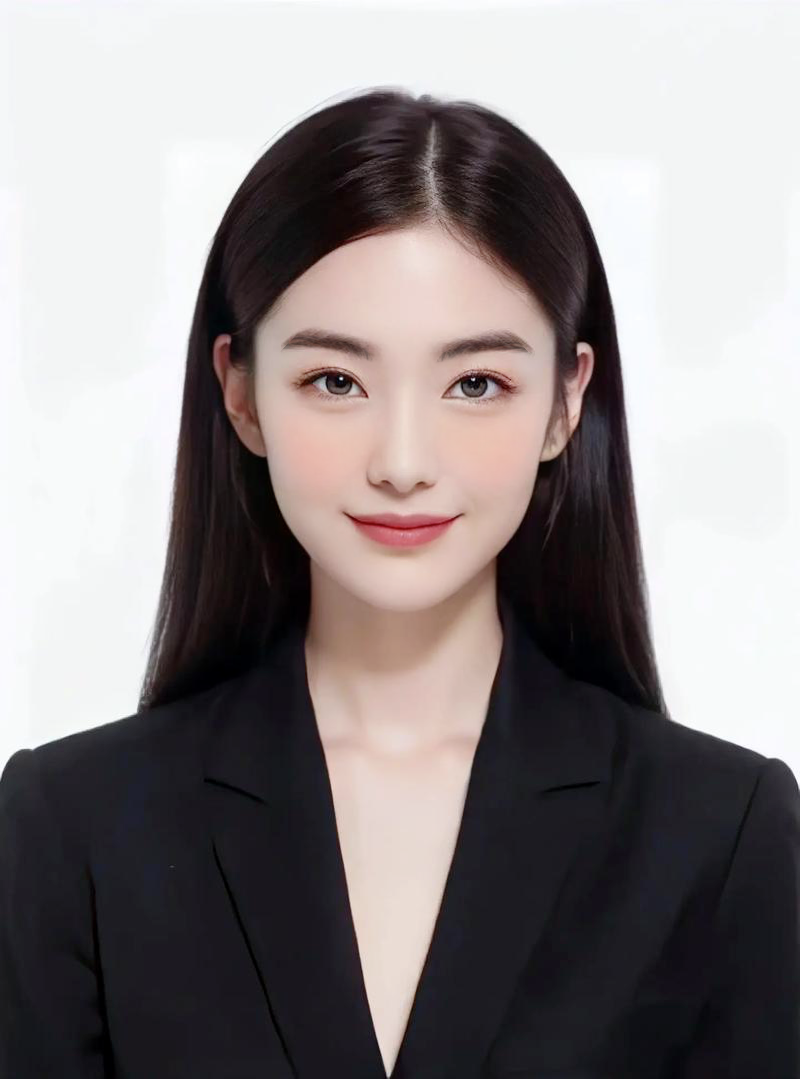 Combined effect
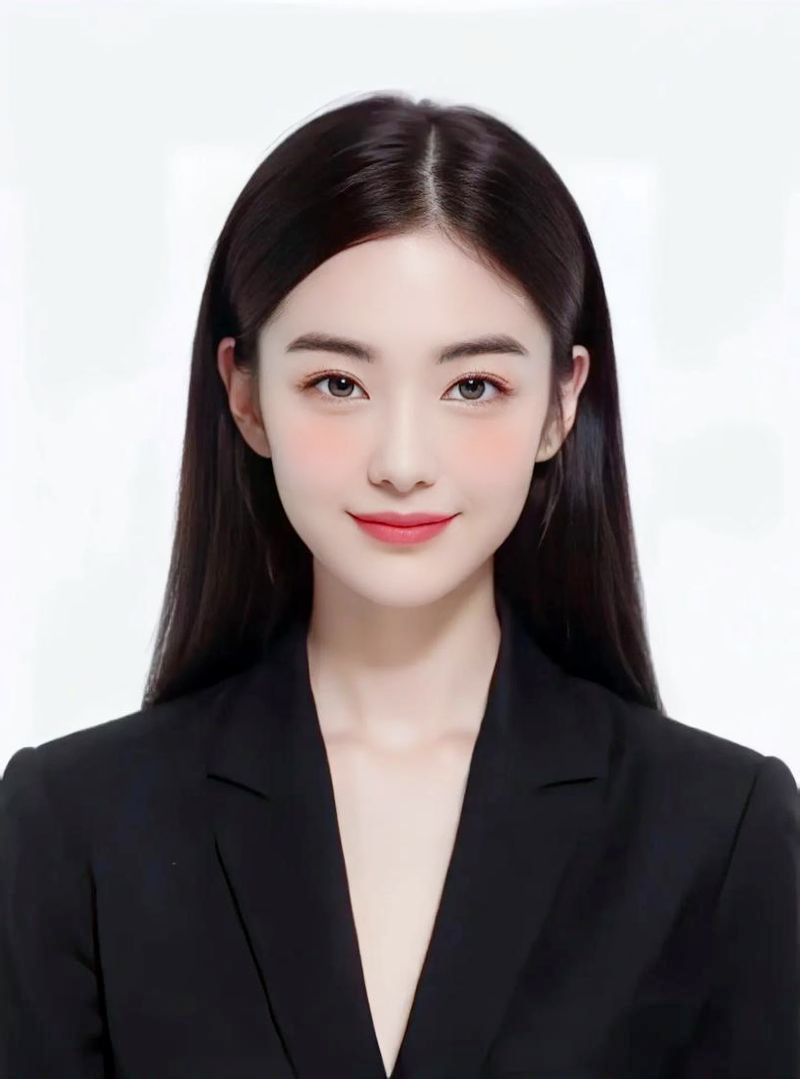 Combined effect
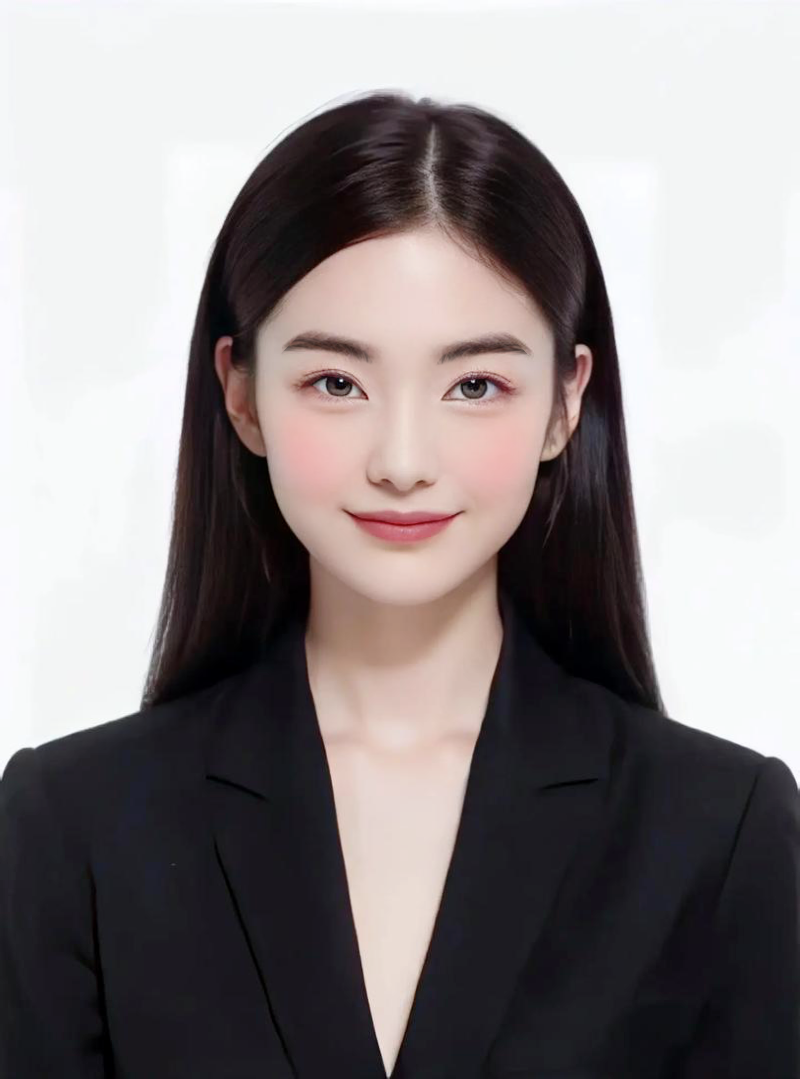 Combined effect
For wider device coverage and daily content scenarios, balancing visual quality with stability.
For products that need HarmonyOS coverage while keeping a unified portrait enhancement experience.
For content scenarios that emphasize stable real-time camera presence and consistent interaction quality.
For products that care more about style expression, camera polish, and recognizable character output.
For camera tools that want a clear default portrait direction, preset style, and post-processing experience.
Capabilities
From base beauty to makeup styles, common portrait needs become a clear capability map
Clean and natural
Beauty
Keeps skin cleaner and the overall look fresher, suitable as the default portrait enhancement for live streaming, selfies, short video, and camera workflows.
WhiteningSmoothingFiltersBright eyesTeeth whiteningDark circle reduction
Use cases
Bring natural portrait enhancement into the places where users actually turn on the camera
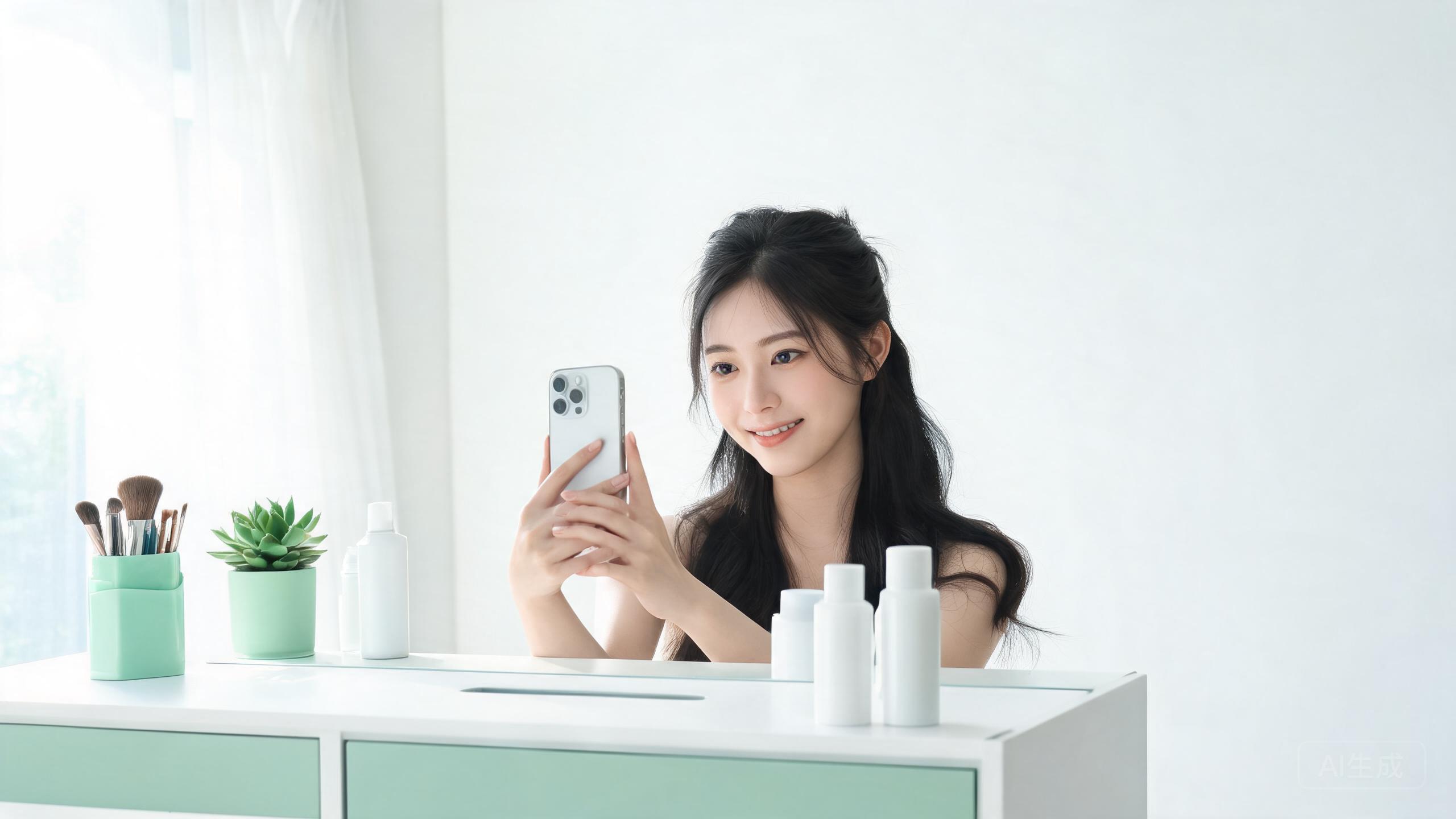
Selfie and photo
Beauty camera
For selfie, camera, and image-processing products that want whitening, smoothing, bright eyes, and teeth whitening as a natural default.
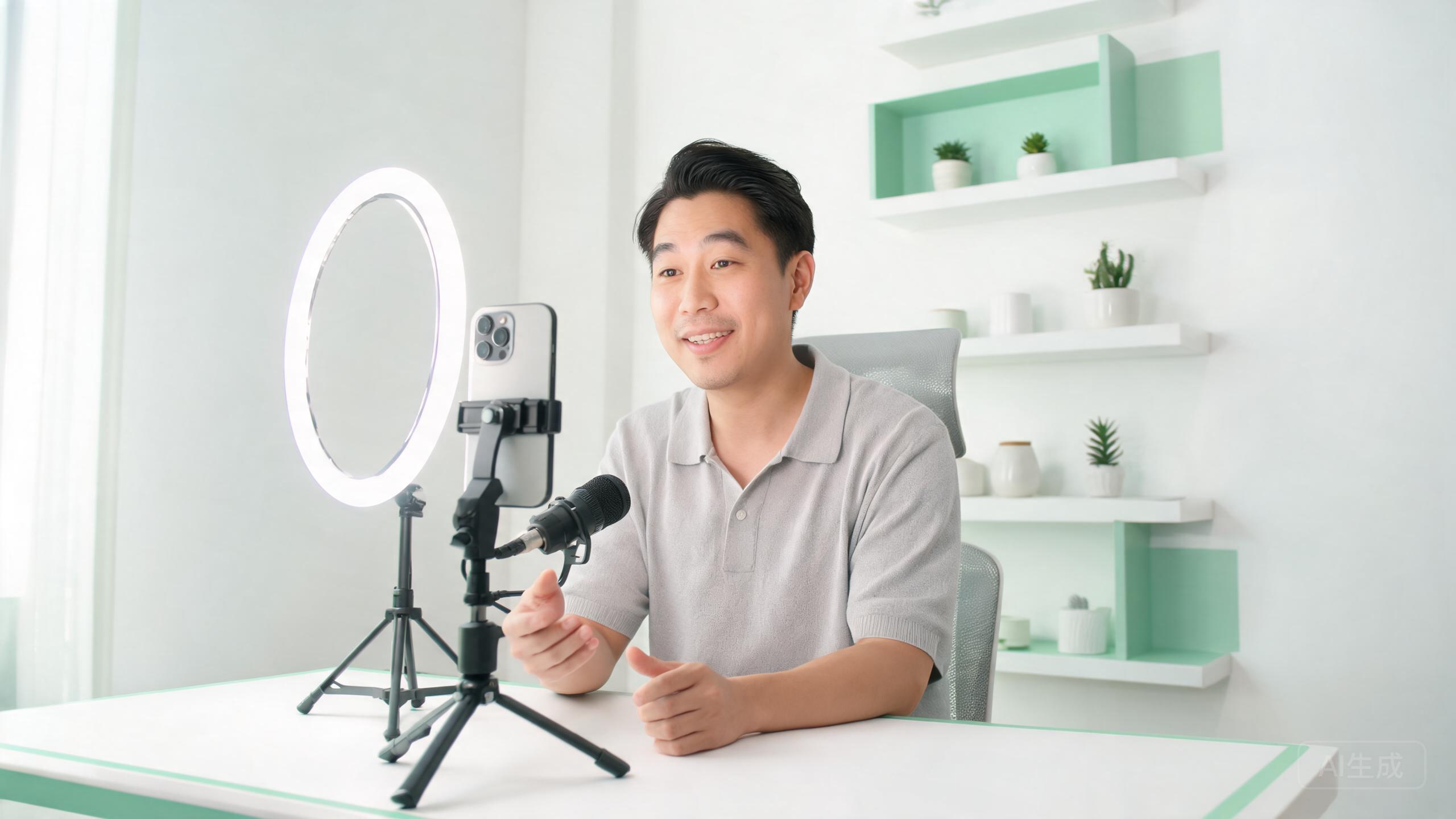
Real-time camera presence
Live interaction
For live rooms, audio chat, and social communities where stable portrait quality helps users feel more comfortable turning on the camera.
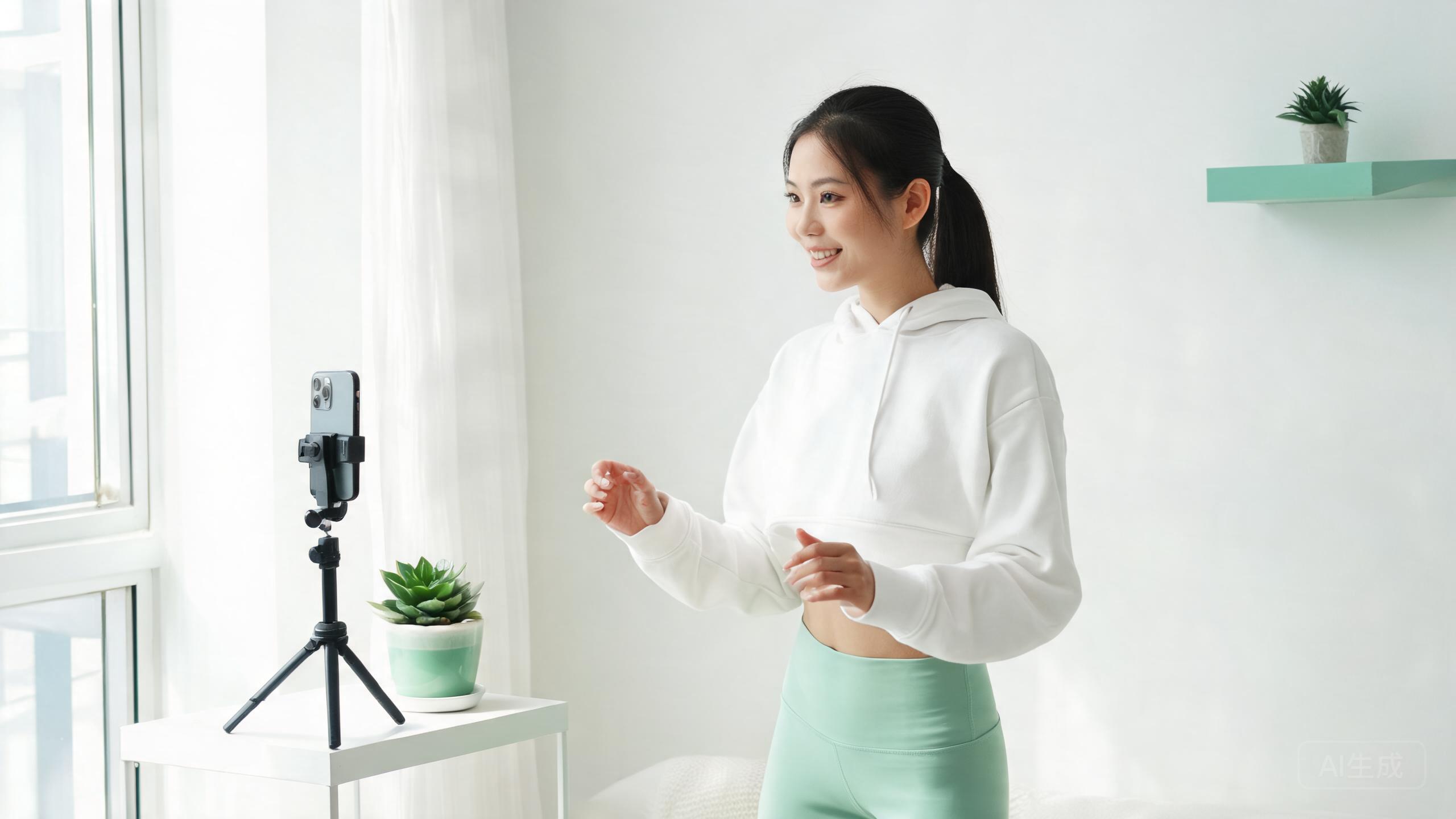
Content creation
Short video capture
For talking-head, lifestyle, fashion, and makeup tutorial tools that need makeup, face shape, and camera polish together.

Remote classes
Online teaching
For online courses and paid learning scenarios that need clear, energetic, and not overly retouched portrait output over long sessions.
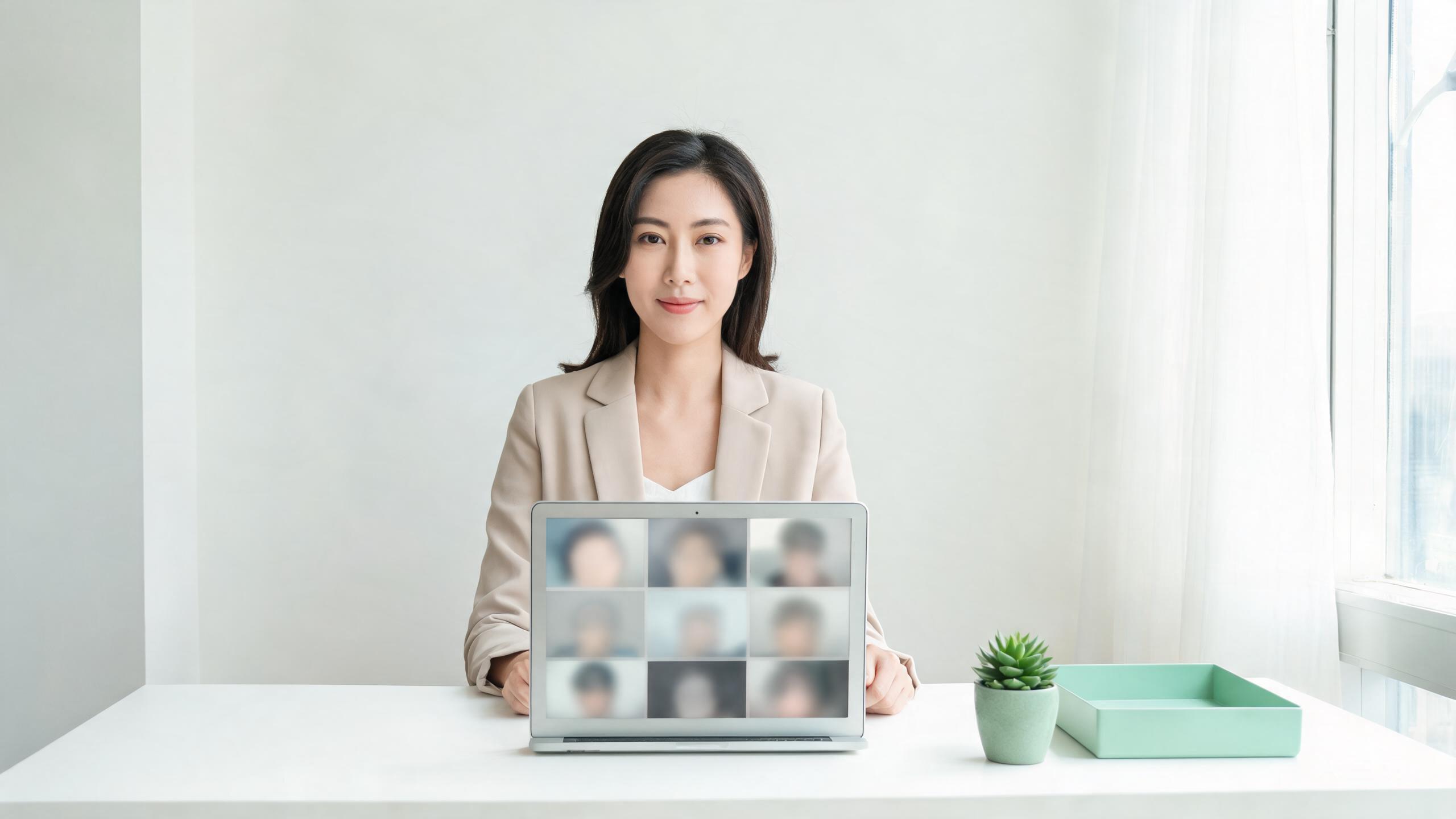
Work collaboration
Online meetings
For meetings, interviews, and remote collaboration tools that need light portrait enhancement without breaking professional trust.
Product updates
Effect direction, integration notes, and release updates in a readable format
Selected effect notes, integration practices, and release updates for product, design, and engineering teams.
Effect notes2026.06
Why natural portrait enhancement works better as a default
A look at user acceptance, content fit, and retention experience behind choosing a natural preset as the first product default.
Integration2026.06
How live, short video, and camera products should choose portrait direction
The same beauty stack can serve different businesses, but latency, makeup strength, and contour preferences vary by product.
Release notes2026.06
Expansion directions for makeup assets and combined presets
Planning notes around brows, eye makeup, blush, and lip assets that can become preset style packs.